Best social media management apps
Managing social media can be time-consuming, especially for students, creators, small businesses, and professionals. Social media management apps help you plan posts, schedule content, track engagement, and grow your audience — all from one place. Here are the best social media management apps you should try in 2026.
Top Social Media Management Apps You Should Try
1. Hootsuite
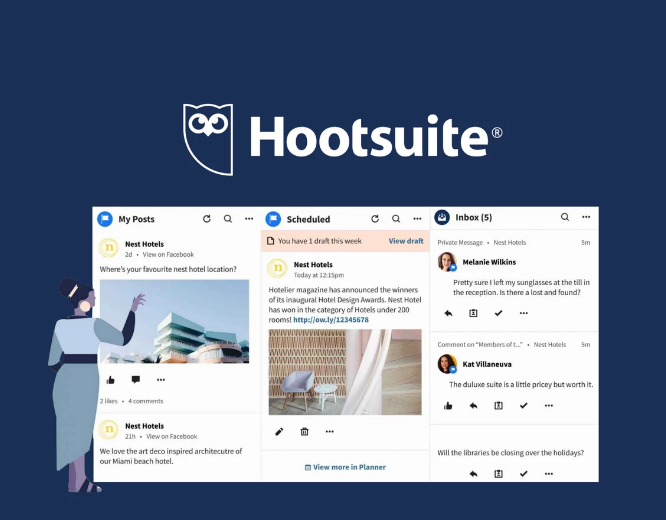
Hootsuite lets you schedule posts across platforms like Instagram, Facebook, Twitter, LinkedIn, and more. It also provides analytics to see how your content is performing.
Best for: Businesses and creators who manage multiple accounts.
2. Buffer
Buffer is easy to use and great for beginners. It schedules posts, suggests the best time to publish, and tracks audience engagement.
Best for: Students and small teams who want simplicity and power.
3. Later
Later focuses on Instagram, TikTok, and Pinterest. It has a visual calendar that lets you plan posts and preview your feed before posting.
Best for: Visual content creators and influencers.
4. Sprout Social
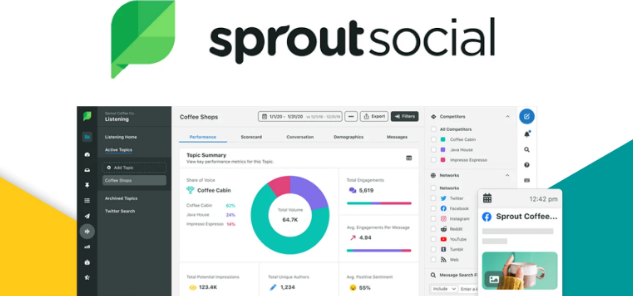
Sprout Social offers scheduling, analytics, audience insights, and social customer support features. It’s a complete tool for professional teams.
Best for: Businesses and marketing professionals.
5. Canva Content Planner
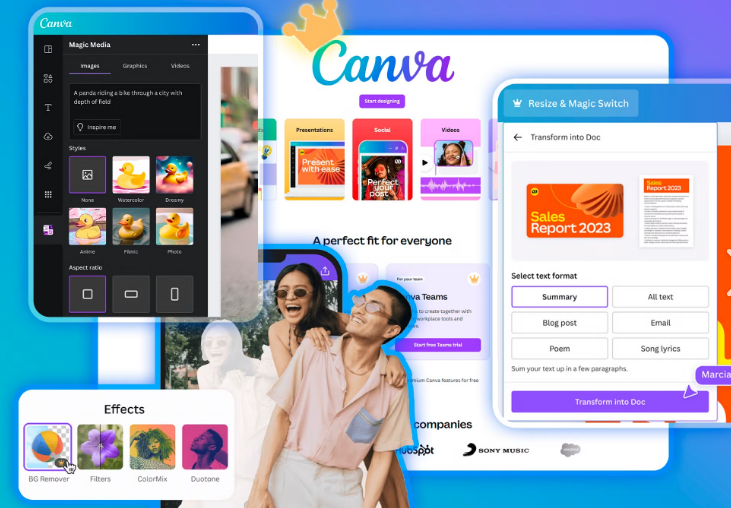
Included inside Canva, the Content Planner lets you create designs and schedule them directly to Instagram, Facebook, and other platforms.
Best for: Creators and students who want design + scheduling in one tool.
6. SocialBee
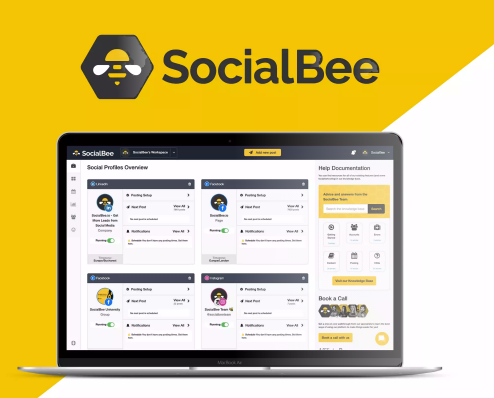
SocialBee helps schedule posts, categorize content, recycle evergreen posts, and manage multiple social accounts.
Best for: Small businesses and solopreneurs.
7. Zoho Social
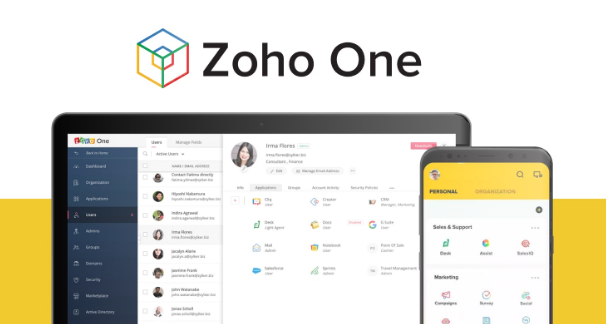
Zoho Social offers content scheduling, real-time analytics, and collaboration tools for teams. It connects with Facebook, Instagram, Twitter, LinkedIn, and more.
Best for: Growing brands and marketing teams.
8. TweetDeck
TweetDeck is built for Twitter (X) users. It lets you schedule tweets, monitor hashtags, track trends, and manage multiple Twitter accounts in one dashboard — for free.
Best for: Twitter/X power users.
Frequently Asked Questions (FAQs)
1. What is a social media management app?
A social media management app is software that helps you plan, schedule, analyze, and publish content across different social platforms from one place.
2. Why do I need a social media management app?
These tools save time, help you stay organized, and make your content more consistent. They also provide insights to improve your strategy.
3. Are there free social media management tools?
Yes. Tools like Buffer (free plan), TweetDeck (free), and Later (limited free plan) offer free features that are great for beginners and students.
4. Which app is best for beginners?
Buffer and Canva Content Planner are beginner-friendly and easy to use.
5. Can I manage multiple social accounts with these apps?
Yes. Most tools let you manage many accounts (Instagram, Facebook, Twitter/X, LinkedIn, TikTok) from one dashboard.
6. Can these apps help grow followers?
Yes, by improving consistency, timing, and content strategy — which leads to better engagement and growth over time.
7. Do social media management apps work on mobile?
Most of them have mobile apps, so you can manage content on the go.