Best Math and Scientific Calculator Apps in 2026 (Free & Powerful Tools for Students)
Math is not just about numbers. It is about understanding logic, solving problems, and building strong thinking skills. Today, math and scientific calculator apps make learning faster and easier. Whether you are solving simple equations or complex calculus problems, these apps help you save time and reduce mistakes.
Many of these apps are free and work on both mobile and desktop. Let’s look at the best ones students should try.
Top Math and Scientific Calculator Apps
1. Microsoft Math Solver
Microsoft Math Solver is a smart learning app that helps solve algebra, trigonometry, calculus, and statistics problems. You can type your question or scan it using your camera. The best part is that it shows step-by-step solutions, so you understand the full method, not just the final answer. It is very helpful for homework and exam practice.
2. Photomath
Photomath is one of the most popular math apps for students. You simply scan a math problem, and it instantly shows the solution with clear steps. It explains concepts in simple language, which makes it perfect for school students who want extra support at home.
3. HiPER Scientific Calculator
HiPER Scientific Calculator works like a real advanced calculator. It supports fractions, complex numbers, powers, logarithms, and trigonometric functions. It works offline and is very useful for daily practice and competitive exam preparation.
4. Desmos
Desmos is mainly used for graph plotting. It helps students draw graphs, understand functions, and see how equations change visually. This makes learning algebra and calculus much easier and more interactive.
5. GeoGebra
GeoGebra combines geometry, algebra, and graphing tools in one platform. It is excellent for visual learners because it shows how mathematical concepts work in real time. Many teachers also use it in classrooms.
6. Calculator Plus
Calculator Plus is simple and clean. It is best for everyday calculations like addition, subtraction, multiplication, and division. If you just need quick math without advanced functions, this app is enough.
Why These Calculator Apps Are So Helpful
These apps do more than calculate numbers. They explain steps, reduce errors, and help students understand difficult concepts. Many of them work offline, which makes them reliable during study time. They also save time during homework and revision.
The Dark Side of Calculator Apps
Even though these apps are powerful, students should use them wisely.
If you depend too much on apps, your mental math skills may become weak. It is important to practice solving problems manually.
Some free versions include ads, which can distract you while studying.
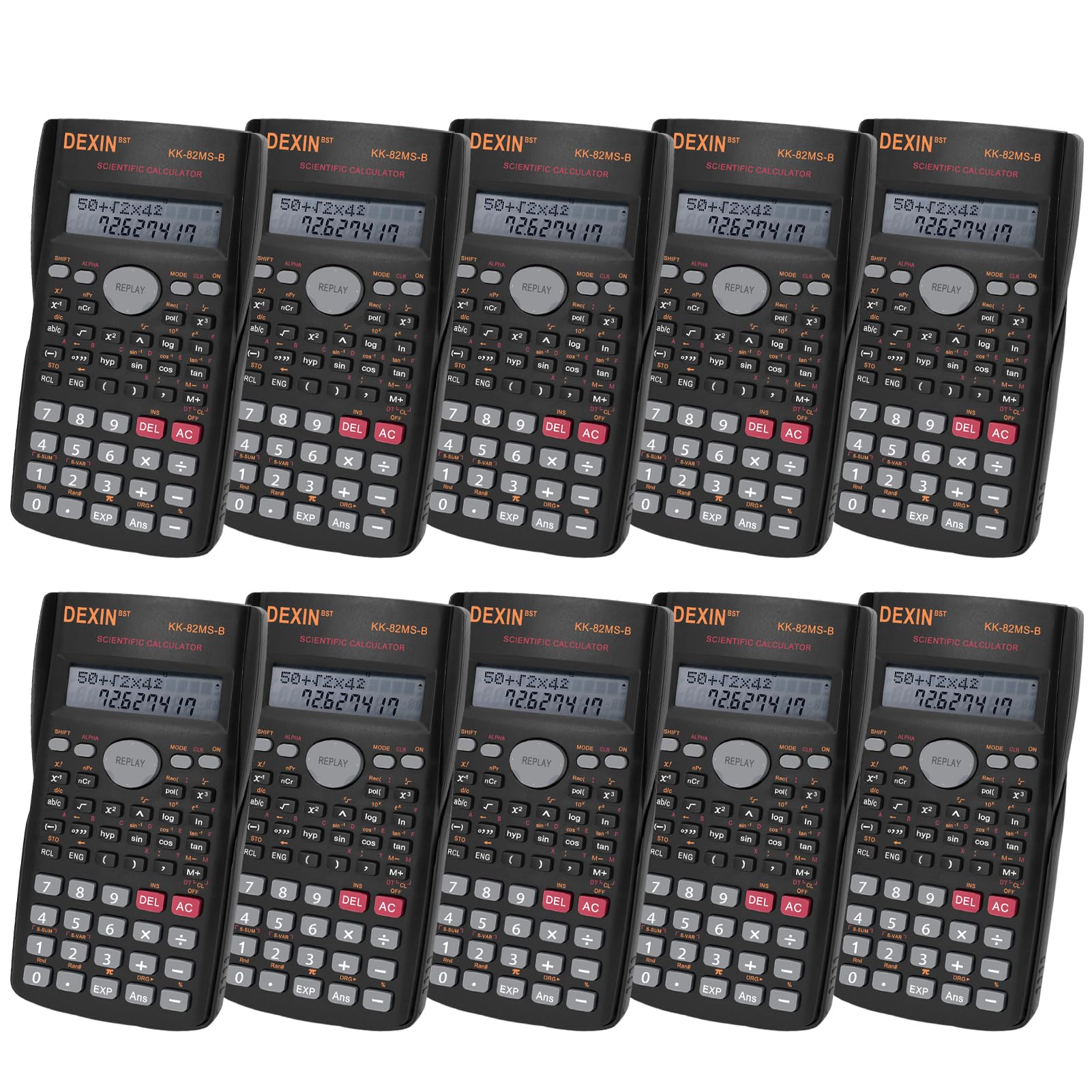
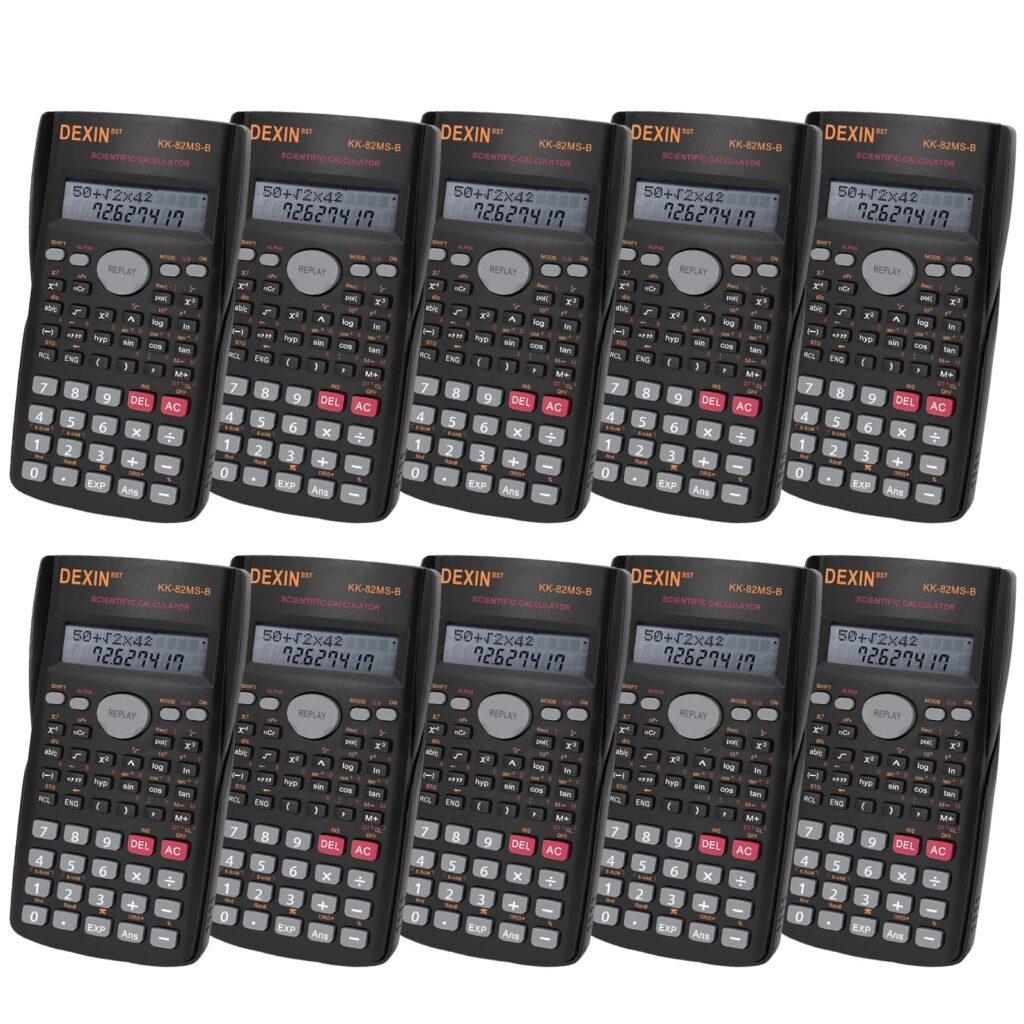
In school or competitive exams, mobile apps are usually not allowed. You may need to use a physical scientific calculator instead.
Also, apps that scan problems may require internet access, which can sometimes slow down performance.
Frequently Asked Questions
Are these calculator apps completely free?
Most of them offer strong free versions. Some advanced features may require payment.
Can these apps replace a physical scientific calculator?
For daily practice, yes. But in exams, schools may only allow approved physical calculators.
Which app is best for graph plotting?
Desmos and GeoGebra are excellent for drawing and understanding graphs.
Do these apps work offline?
Basic calculator features work offline. Scanning and AI-based solutions may need internet.
Are these apps safe for students?
Yes, they are safe if downloaded from official app stores.
Math and scientific calculator apps make studying smarter and faster. When used properly, they improve understanding and boost confidence in solving problems. The key is balance. Use apps to learn and practice, but also challenge yourself to solve questions without help.
