Best video editing software 2026
Video content is everywhere today. From YouTube and TikTok to school projects, everyone wants to make videos that look professional and fun. In 2026, video editing software is more than just cutting clips. With AI tools, templates, and smart workflows, even beginners can create amazing videos. Here’s a list of the best video editing software this year.
1. Adobe Premiere Pro — The Industry Standard
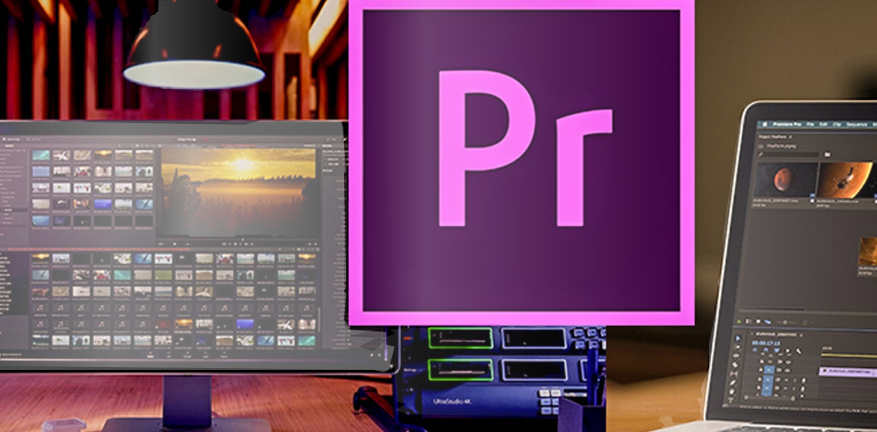
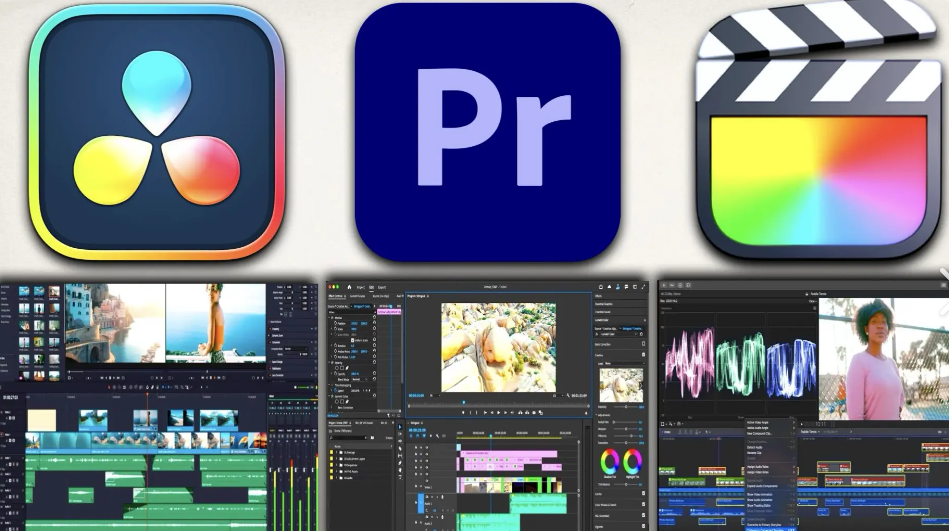
If you’re serious about video production — whether for YouTube, commercials, or film — Adobe Premiere Pro remains the benchmark. It’s packed with professional tools and integrates smoothly with the broader Adobe Creative Cloud ecosystem. Why it stands out: Full non-linear timeline editing, advanced colour grading, audio mixing & motion graphics, AI-powered features like extended clip generation and auto subtitles, excellent collaboration via Frame.io and Creative Cloud.
Best for: Professional editors, filmmakers, content agencies
Cons: Subscription pricing; steep learning curve
2. DaVinci Resolve — Best Free Professional Tool
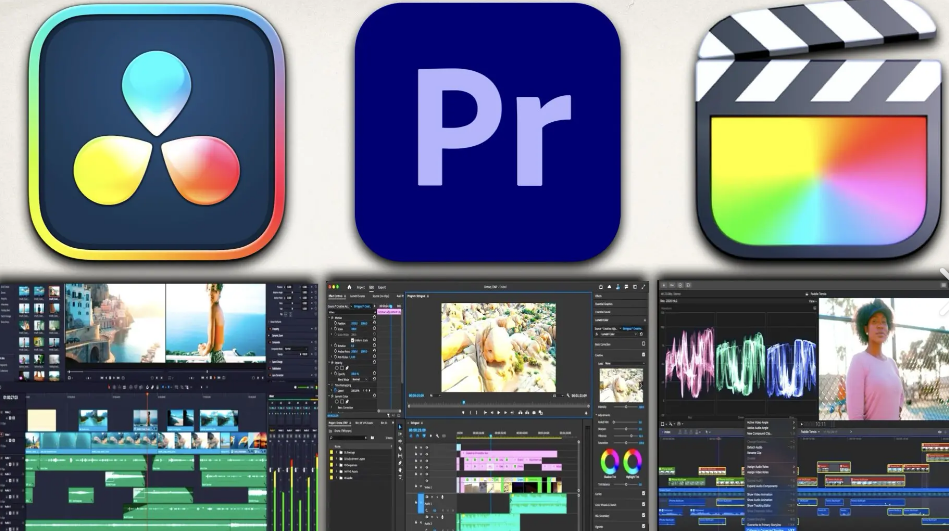
DaVinci Resolve has exploded in popularity thanks to its powerful free version. It combines editing, colour grading, visual effects, and audio post-production in a single suite — something most paid editors charge for separately. Highlights: Hollywood-level colour grading tools, Fusion VFX space for node-based effects, Fairlight for professional-grade audio, free version is extremely capable.
Best for: Advanced editors on a budget
Cons: Learning curve, heavy on GPU
3. Final Cut Pro — Top Mac Editor
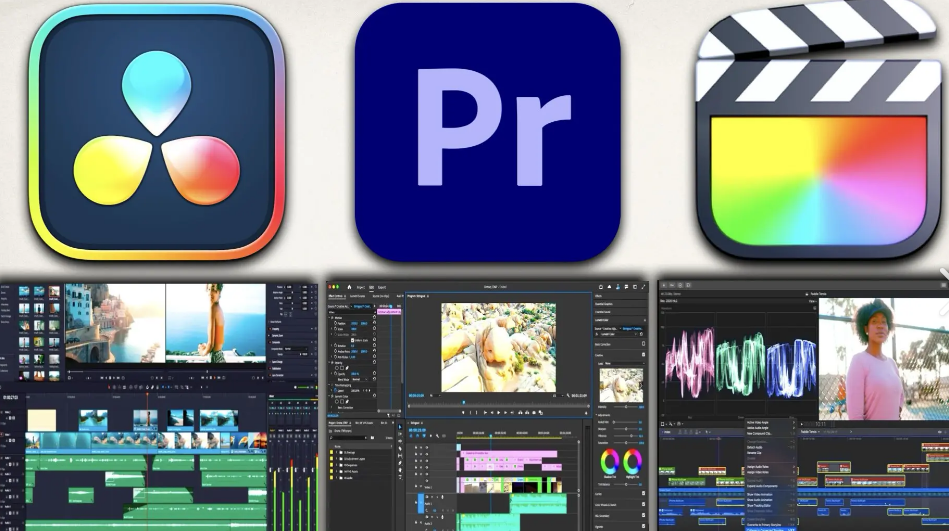
For Mac users, Final Cut Pro continues to be one of the fastest and most intuitive editors. Optimized for Apple Silicon, it delivers snappy performance even on 4K and 8K footage. Why creators love it: Magnetic Timeline for efficient editing, excellent performance on M-series Macs, one-time purchase instead of subscription.
Best for: Mac editors, indie filmmakers
Cons: Mac only, paid software
4. CapCut — Best for Social & Quick Edits
CapCut remains one of the most popular editors in 2026, especially for short-form video creators. Its mix of AI tools, templates, auto captions, and social-ready exports makes it ideal for TikTok, Instagram, and YouTube Shorts. Features: AI Script Generator & Auto captions, smart effects synced with music, background removal & text-to-video options.
Best for: Influencers and mobile creators
Cons: Limited advanced features compared to pro editors
5. VN Video Editor & InShot — Great for Beginners

Both VN and InShot are beginner-friendly but powerful apps that bring intuitive editing to mobile and desktop users alike. VN has grown into a serious competitor with AI colour grading and framing tools, while InShot offers easy aspect ratio adjustments for all major social platforms. Best uses: Quick edits and social content creation, creators starting out who don’t need heavy timelines.
Best for: Beginners and casual creators
Cons: Limited advanced features for professional projects
6. Google Vids — AI-Assisted Cloud Editor (Emerging)
Google’s new “Vids” editor, part of Workspace Labs, is an AI-assisted online video editing tool aimed at collaborative projects, quick storytelling, and integrated workflows in the cloud. It’s being rolled out gradually but looks promising. Why it’s interesting: Web-based editing and AI storyboard tools, ideal for workflow teams and remote collaboration.
Best for: Teams and casual creators
Cons: Still emerging, limited features for advanced editing
7. VSDC Free Video Editor — Lightweight Free Option
VSDC Free Video Editor is a simple Windows editor that still offers useful features like motion tracking, filters, and color correction. It’s lightweight and perfect for beginners who want basic editing tools without paying.
Best for: Beginners on Windows
Cons: Lacks advanced features compared to professional editors
8. InShot — Mobile Social Media Editor
InShot is another mobile-friendly app that’s great for short-form videos. You can easily add music, filters, text, and adjust video size for different social media platforms. It’s very simple for beginners but still fun and powerful.
Best for: Social media creators, beginners
Cons: Limited advanced editing tools
In 2026, video editing is faster and smarter than ever. AI tools, mobile-friendly apps, and cloud collaboration make it possible for anyone, even 16–17-year-olds, to create amazing videos. Whether you are just starting or want professional results, there’s a tool for everyone.