Beginner’s Guide to AI Tools Simple and Complete Guide
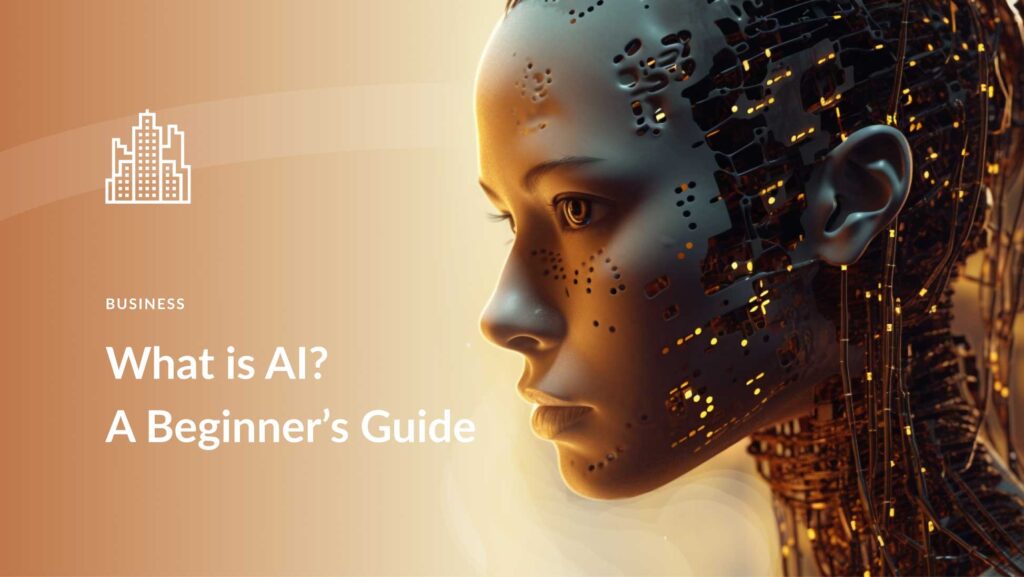
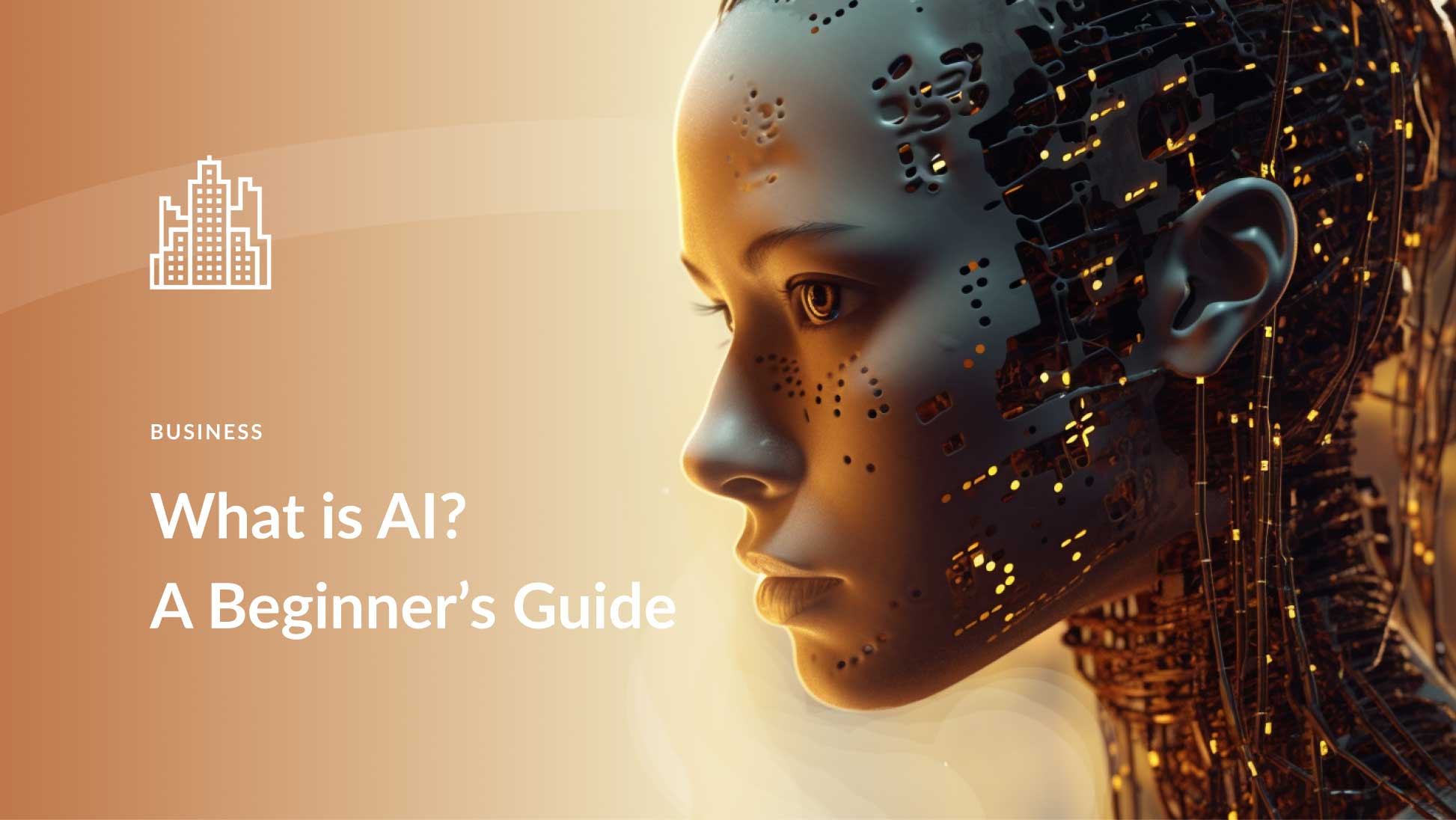
Artificial Intelligence or AI is a smart technology that helps computers think learn and solve problems like humans AI tools are software programs built using this technology They can write content create images edit videos answer questions solve math problems help in coding and even support you in studies If you are new to AI this guide will help you understand everything in very simple language
AI is not just for scientists or big companies Today anyone can use AI tools Students bloggers business owners YouTubers developers and even beginners with no technical knowledge can use them easily
What Are AI Tools
AI tools are applications that use artificial intelligence to complete tasks automatically Instead of spending hours doing work manually you give instructions and the AI helps you finish the task quickly and efficiently
For example AI tools can help in writing essays creating social media captions designing posters editing photos making presentations generating ideas analyzing data translating languages and learning new topics
They work like smart assistants that understand your instructions and give helpful results within seconds
Popular AI Tools for Beginners
Here are some beginner friendly AI tools you can start using today
1 ChatGPT
OpenAI created ChatGPT which is one of the most popular AI tools in the world It helps you write articles answer questions solve coding problems create scripts generate ideas and learn new concepts You simply type your question and it gives you a clear response It is very helpful for students bloggers and developers
2 Canva
Canva is an online design platform with AI features You can create posters resumes presentations YouTube thumbnails logos and social media posts Even if you are not a designer Canva makes everything simple with drag and drop tools
3 Grammarly
Grammarly is an AI powered writing assistant It checks grammar spelling punctuation and improves sentence structure It is very useful for students content writers and professionals who want error free writing
4 Midjourney
Midjourney is an AI tool that creates images from text descriptions You just type what kind of image you want and it generates artwork It is popular among digital artists and content creators
5 CapCut
CapCut is a video editing app with AI features It can automatically add captions remove background improve video quality and apply smart effects It is widely used by YouTubers and short video creators
How AI Tools Work
AI tools are trained using large amounts of data such as books articles images videos and websites They study patterns in this data and learn how humans write speak and create content
When you give an instruction also called a prompt the AI analyzes your input and predicts the best possible answer based on its training
You do not need coding knowledge to use most AI tools They are built for normal users and work with simple text instructions
Benefits of Using AI Tools
AI tools save time by completing tasks in seconds They improve productivity and help you finish more work in less time They generate ideas when you feel stuck They make learning easier by explaining topics clearly They help businesses create marketing content quickly They support students in understanding complex subjects
AI tools increase efficiency and reduce manual effort
Risks and Things to Be Careful About
AI is powerful but it should be used wisely Always check the accuracy of AI generated content Sometimes AI can make mistakes or give outdated information Never copy content directly without reviewing it Avoid sharing private personal or financial details Use AI as a helper not as a replacement for your own thinking and creativity
Responsible use of AI is very important
How to Start Using AI Tools
First choose one simple tool like ChatGPT or Canva Create a free account Explore the dashboard and features Start with small tasks such as writing a short paragraph designing a simple poster or correcting grammar Practice regularly and experiment with different prompts As you gain confidence you can explore advanced features
The more clearly you give instructions the better results you will receive
Who Can Use AI Tools
Students can use AI for homework research and exam preparation Bloggers can create articles faster YouTubers can generate scripts and edit videos Designers can create graphics easily Business owners can improve marketing Developers can get coding help Teachers can create lesson plans
AI tools are for everyone regardless of age or profession
Future of AI Tools
AI technology is growing very fast Every year tools are becoming smarter faster and more accurate In the future AI may help in healthcare education business automation robotics and daily life tasks
Learning AI tools today can give you a strong advantage in your career and studies People who understand how to use AI effectively will have better opportunities in the digital world
Frequently Asked Questions
Q1 Are AI tools free
Many AI tools offer free versions with limited features Paid plans provide advanced options and better performance
Q2 Can AI tools replace humans
AI cannot fully replace humans Creativity emotions decision making and real life experience still belong to humans AI works best as a support system
Q3 Is it safe to use AI tools
Yes it is safe if you use trusted platforms and avoid sharing sensitive personal information
Q4 Do I need coding skills to use AI tools
No Most beginner AI tools are designed for normal users and work with simple instructions
Q5 Can students use AI tools for homework
Yes Students should use AI to understand concepts and improve learning but not to copy answers without studying
Final Words
AI tools are smart digital assistants that make work easier faster and more efficient They help you learn create and grow If you are a beginner start with one tool practice daily and use AI responsibly Mastering AI tools today can open many doors for your future success