Beginner’s guide to Android customization
Android customization means changing the look and feel of your Android phone the way you like Unlike many other systems Android gives users full control over design layout and features Even if you are a beginner you can easily personalize your phone without technical knowledge
Android customization helps you make your phone unique improve usability and create a better daily experience
What Is Android Customization
Android is a mobile operating system developed by Google It allows users to modify home screens icons widgets themes fonts and even system behavior
Customization can be simple like changing wallpaper or advanced like installing custom launchers
Basic Customization for Beginners

If you are new start with these simple options
Change Wallpaper
Go to Settings then Wallpaper and choose an image from your gallery or built in collection You can set different wallpapers for home screen and lock screen
Rearrange Apps
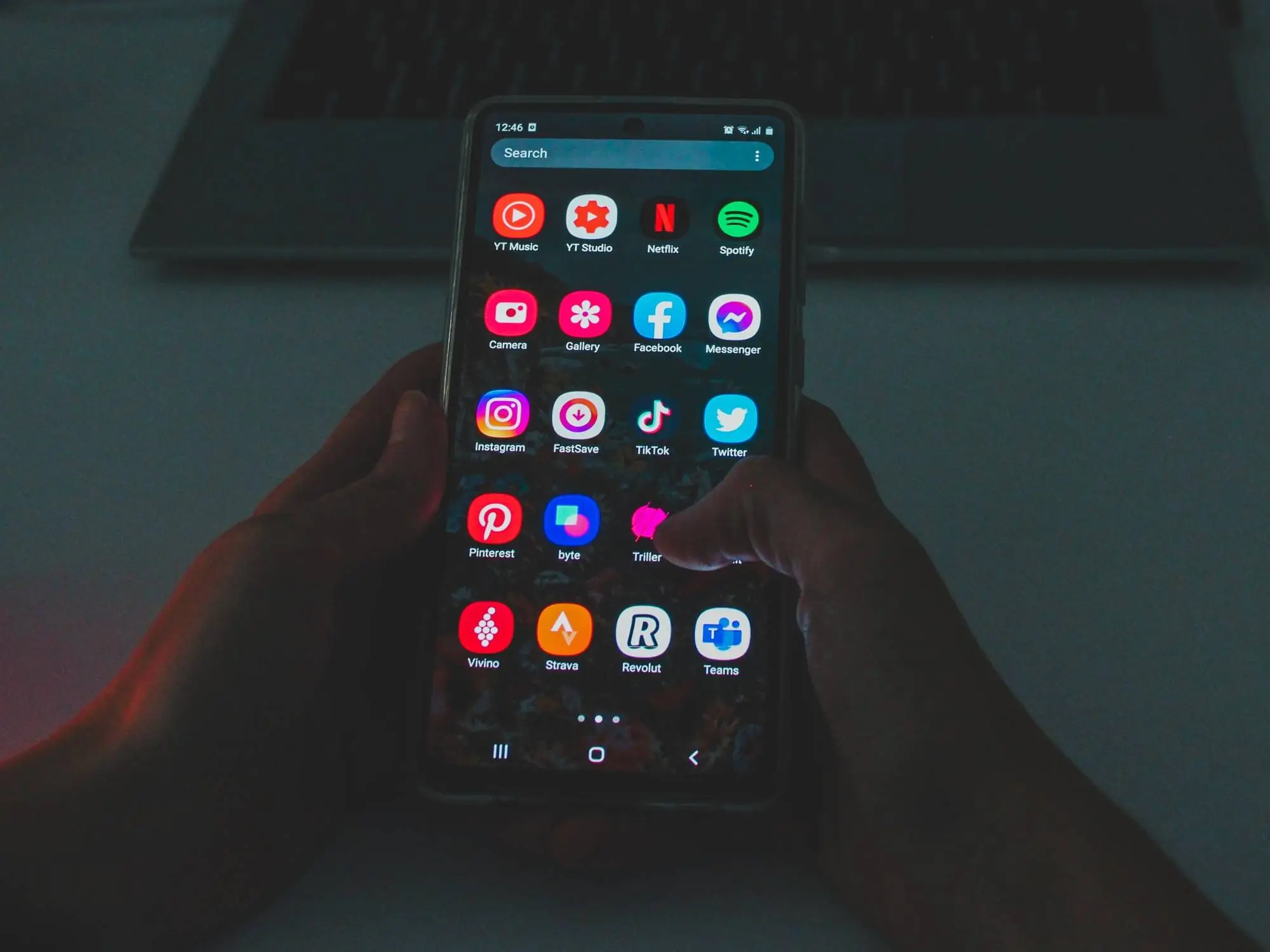
Press and hold an app icon then drag it anywhere on the home screen You can group similar apps into folders like Social Media Games Study or Work
Add Widgets
Widgets show live information directly on the home screen such as weather calendar notes or music controls Long press on the home screen tap Widgets and add what you need
Change Ringtones
Go to Settings then Sound and select a new ringtone notification tone or alarm sound
These simple changes already make your phone feel personal
Using Launchers for More Control
A launcher controls how your home screen looks If you want advanced customization install a launcher from Play Store
One popular option is Nova Launcher It allows you to change icon size grid layout animations gestures and much more
Another simple and clean option is Microsoft Launcher which provides productivity features and smooth design
Launchers are safe and easy to install You can switch back anytime
Custom Icon Packs
Icon packs change the design of your app icons Some launchers support thousands of icon packs available on Play Store
You can choose minimal style colorful design dark theme or cartoon style icons This helps create a consistent and attractive look
Themes and System Customization
Some Android brands offer built in themes
For example One UI by Samsung provides theme store options
MIUI by Xiaomi also includes advanced theme customization
You can change fonts lock screen style always on display design and system colors
Dark Mode and Color Options
Most Android phones support Dark Mode which reduces eye strain and saves battery on OLED screens You can enable it from Display settings
Newer Android versions also allow dynamic color themes that match your wallpaper automatically
Advanced Customization
If you want deeper control there are advanced options like
Custom ROM installation
Root access
Custom recovery tools
These methods require technical knowledge and can affect warranty Beginners should avoid them until they fully understand the risks
Benefits of Android Customization
Makes your phone unique
Improves user experience
Increases productivity
Organizes apps better
Creates a clean and comfortable interface
Customization helps your phone match your personality and needs
Things to Be Careful About
Download apps only from trusted sources
Avoid unknown APK files
Do not give unnecessary permissions
Backup important data before major changes
Safety is always important when customizing
How to Start Today
Start small Change wallpaper organize apps add widgets Then try a launcher Explore settings slowly and learn what each option does Practice and experiment without fear because most changes are reversible
Final Words
Android customization is fun simple and powerful You do not need technical skills to personalize your phone Start with basic settings explore new tools and gradually learn advanced features Your phone should feel like your own space not just a device