Beginner’s guide to PC gaming
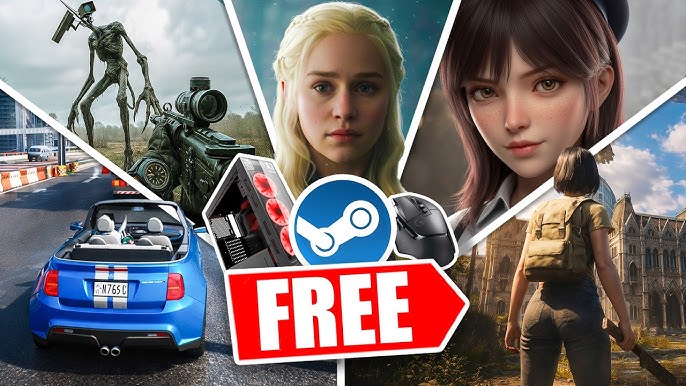
PC gaming is one of the most exciting ways to play video games A gaming PC gives better graphics smoother performance and more control compared to many other platforms If you are new and want to start PC gaming this guide will explain everything in simple and easy language
PC gaming may look complicated at first but once you understand the basics it becomes very simple and enjoyable
What Is PC Gaming
PC gaming means playing video games on a personal computer instead of a console A PC can be a desktop or a laptop Games run using your computer hardware such as processor graphics card RAM and storage
PC gaming is popular because it offers high performance better graphics settings mod support and a huge library of games
Basic Requirements for PC Gaming
To start PC gaming you need a computer with decent hardware
Processor also called CPU handles game logic
Graphics card also called GPU handles visuals and graphics
RAM helps run games smoothly
Storage like SSD loads games faster
You do not always need a very expensive PC Many beginner friendly games run on mid range systems
Where to Buy PC Games
Most PC games are bought digitally from online platforms
One of the biggest platforms is Steam It offers thousands of games regular discounts and community features
Another popular platform is Epic Games through its store called Epic Games Store which often gives free games
Electronic Arts provides games through EA App
You simply create an account buy or download free games and install them
Types of PC Games
There are many types of games you can try
Action games like Call of Duty
Battle royale games like Fortnite
Sandbox games like Minecraft
Story based games like Red Dead Redemption 2
Sports games like EA Sports FC 24
You can choose games based on your interest
Keyboard Mouse or Controller
Most PC gamers use keyboard and mouse because it gives better control especially in shooting games However you can also connect a controller if you prefer console style gaming
Graphics Settings and Performance
PC games allow you to change graphics settings such as resolution texture quality shadows and frame rate
Lower settings improve performance on weaker PCs
Higher settings improve visual quality on powerful PCs
Always adjust settings based on your system capability
Online Multiplayer Gaming
Many PC games allow online multiplayer You can play with friends or compete with players around the world Make sure you have a stable internet connection for smooth gameplay
Benefits of PC Gaming
Better graphics and customization
Large game library
Frequent discounts and free games
Upgrade option instead of buying new system
Mod support for extra content
PC gaming gives flexibility and long term value
Things to Be Careful About
Download games only from official stores
Keep your antivirus active
Avoid pirated games because they may contain viruses
Check system requirements before installing any game
Take breaks to protect your eyes and health
Safety and balance are important
How to Start as a Beginner
First check your PC specifications
Create an account on Steam or Epic Games Store
Download a free game to test performance
Adjust graphics settings if needed
Use headphones for better experience
Start simple and learn step by step
Future of PC Gaming
PC gaming continues to grow with new graphics technology virtual reality cloud gaming and powerful hardware Companies like NVIDIA and AMD are constantly improving graphics cards for better performance
Learning PC gaming today can open doors to streaming esports game development and content creation
Final Words
PC gaming is powerful flexible and exciting It may look technical at first but once you understand the basics it becomes easy Start with simple games explore settings slowly and upgrade your setup when needed